User Asset Booking
User Asset Booking
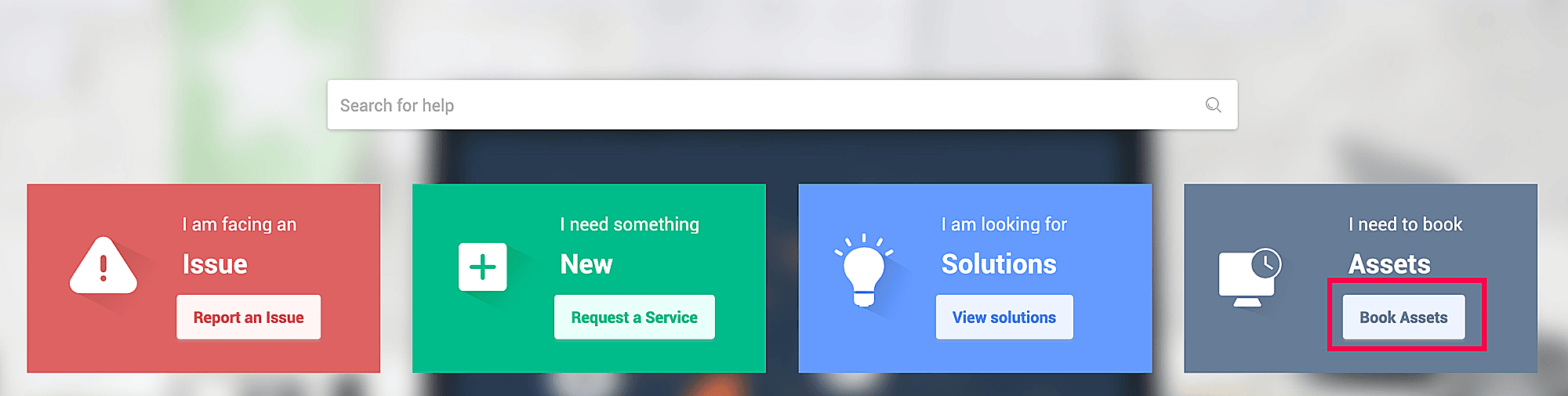
End users can book assets using the Book Assets option on the self-service portal page.
To book an asset,
Click Book Assets on the self-service portal.
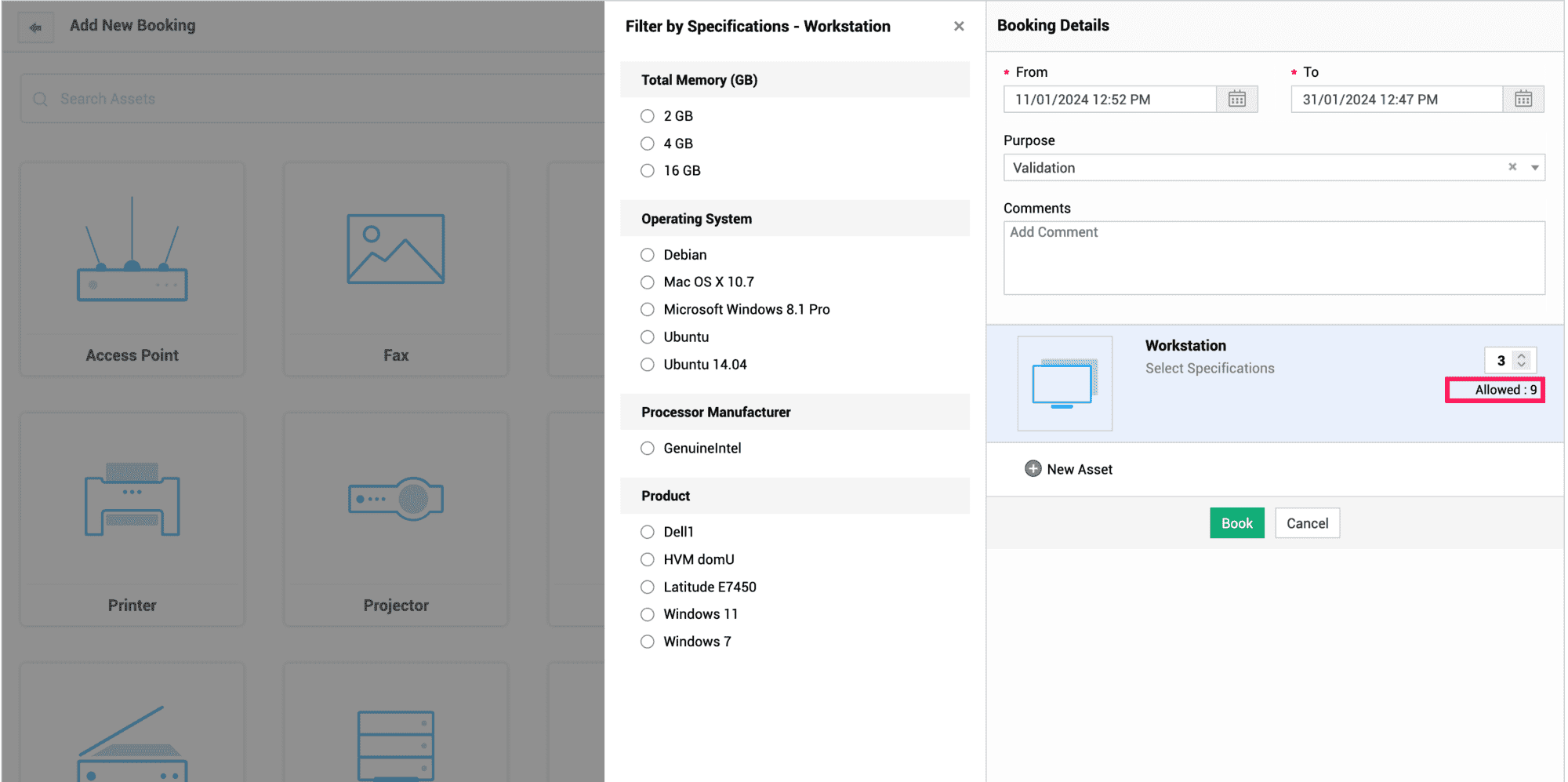
The asset booking form opens up. Select an asset type and enter the booking details such as the duration of the booking, purpose, and asset specifications, if any. Time entries are also supported along with dates while configuring the duration of the booking.
Add comments if required. You can also book multiple assets as per asset availability. The allowed booking count for a particular asset will be shown in the booking details section. You cannot book more than the number of allowed assets.
Click Book.
Alternatively, one can book assets from My Assets widget as well by clicking on New Booking.
Manage Asset Bookings
End users can also manage their asset bookings from the self-service portal itself.
Use edit or cancel icons against each booking to reschedule or cancel bookings respectively. Reschedule action can only be used on the entire booking and not on individual assets.
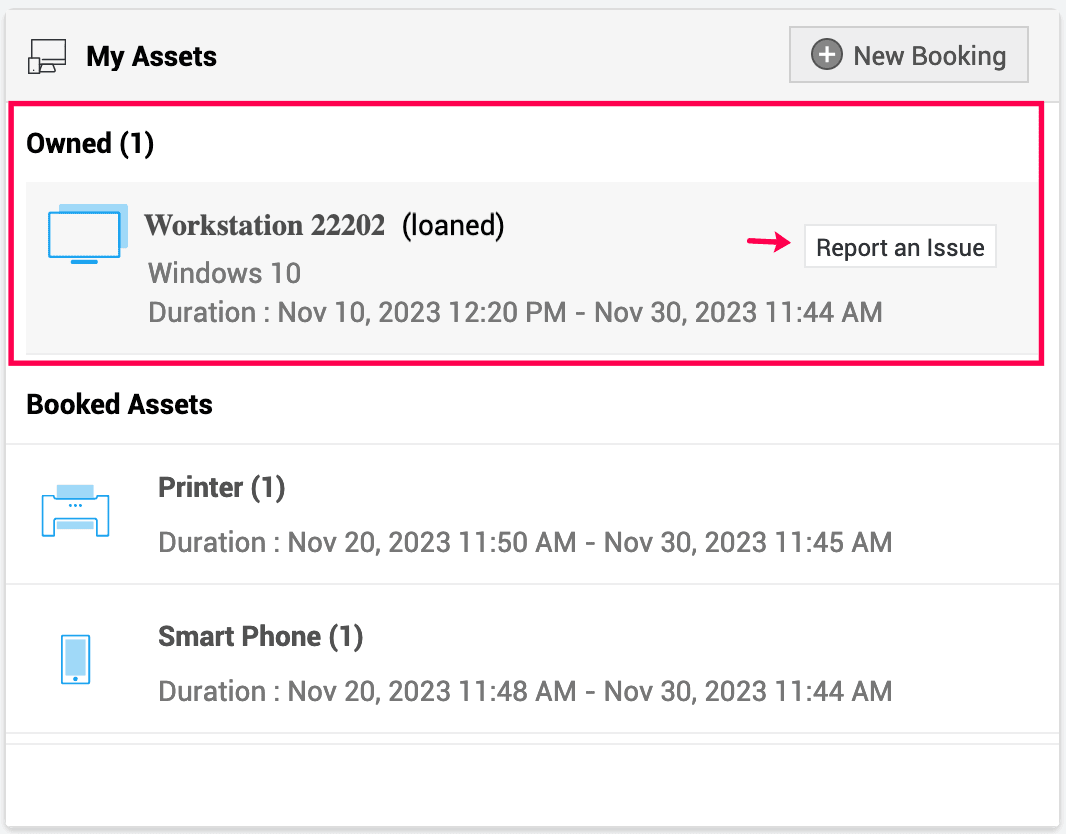
Once a booked asset is loaned, it will be listed under the Owned section. From there, users can raise any requests related to the asset by clicking Report an Issue.
Partially Loaned Assets
Sometimes, all the assets you have booked may not be available for loan; in such case, the Admin will lend only the assets that are readily available. These assets will be marked with a partially loaned tag under the My Assets widget.